A look inside
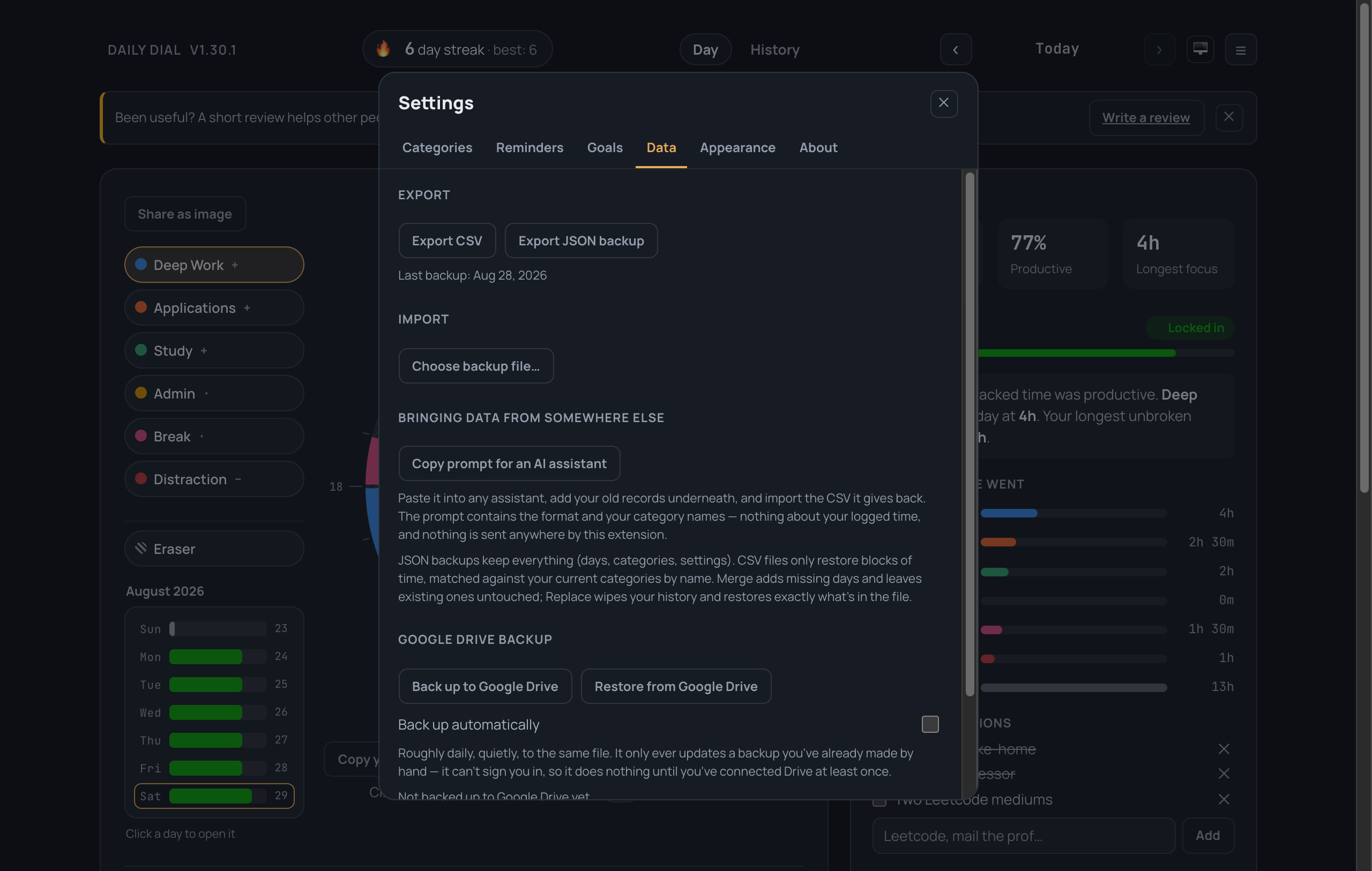
Painting a day
Pick a category beside the dial, then drag around the ring. A full day takes about ten seconds. The panel on the right updates as you go.
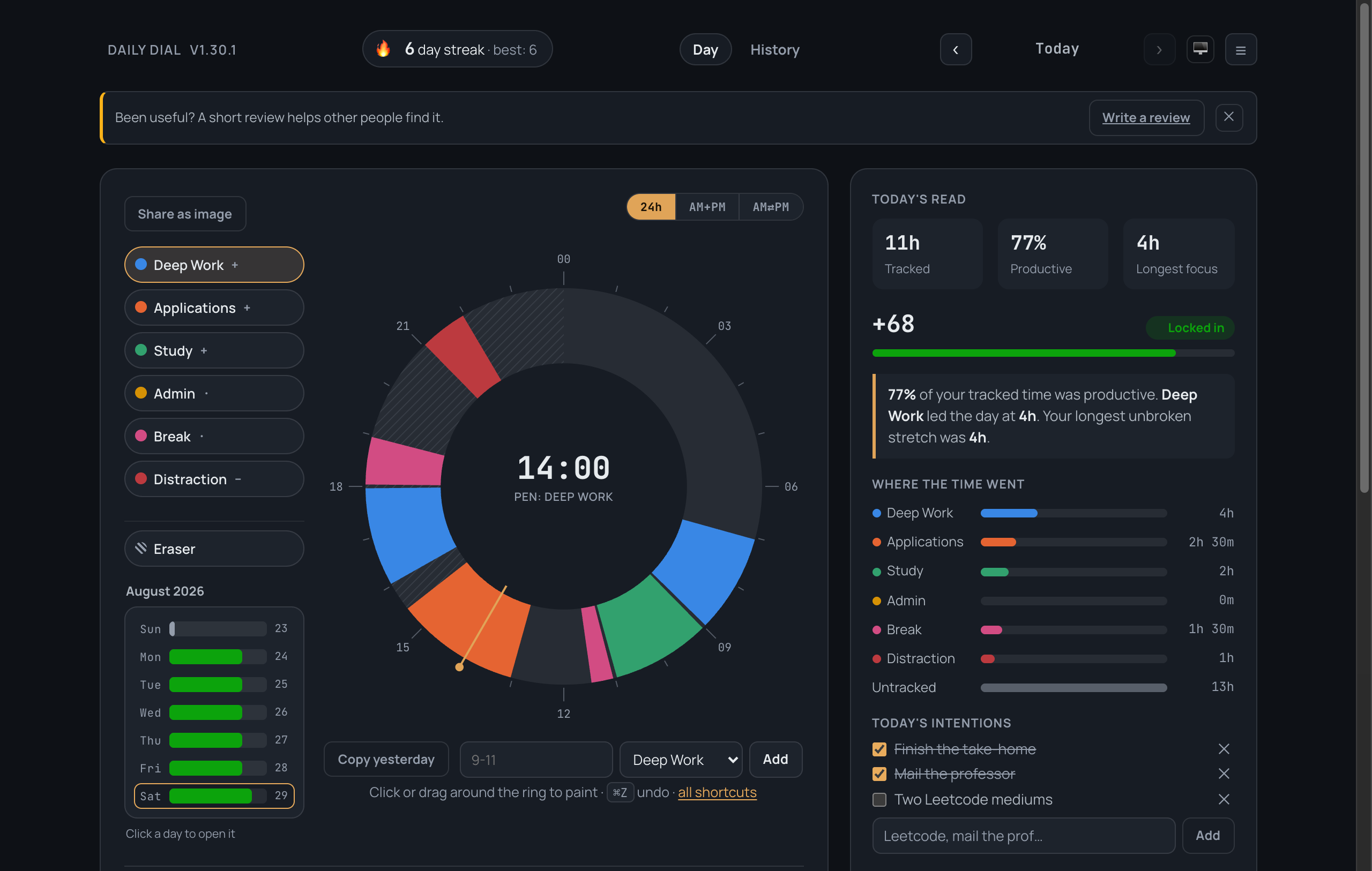
The first thing you see
Three cards, then you are painting. Everything except painting is optional.
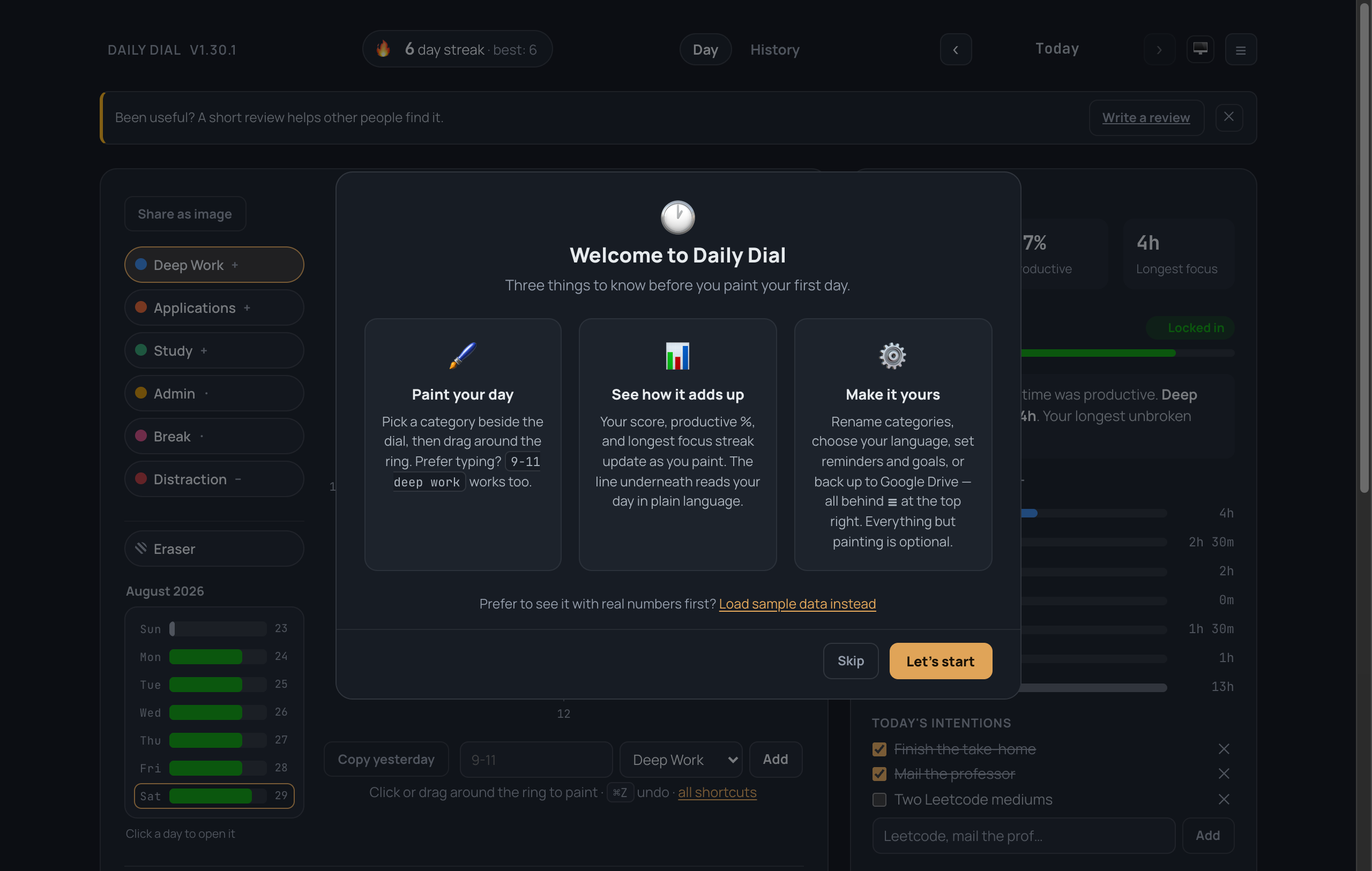
Categories are yours
Ten slots — rename them, recolour them, change whether each counts for or against your score, hide the ones you do not use. Days store the slot, never the name, so renaming never rewrites your history, and never repaints a day you logged months ago.
Six are on to begin with. Four more — Exercise, Sleep, Social, Errands — are there and switched off, for the life areas the app’s own observations most often point at.
Each category’s swatch is its colour picker. Change one and the ring, the pens, the week strip, the bars, the calendar and the shared image all follow; the ↺ beside it hands the slot back to the default.
A run you can actually keep
A challenge is a named stretch of consecutive days with a goal you set — anything logged at all, so many minutes of one category, or a daily score.
The card says how many days in a row you have kept, what the goal is, whether the day you are looking at counts, and whether the run can still be finished. One missed day ends it and it tells you which day: a run that tolerates gaps is a weaker thing wearing the same name. When it breaks, one button starts the same challenge again from today.
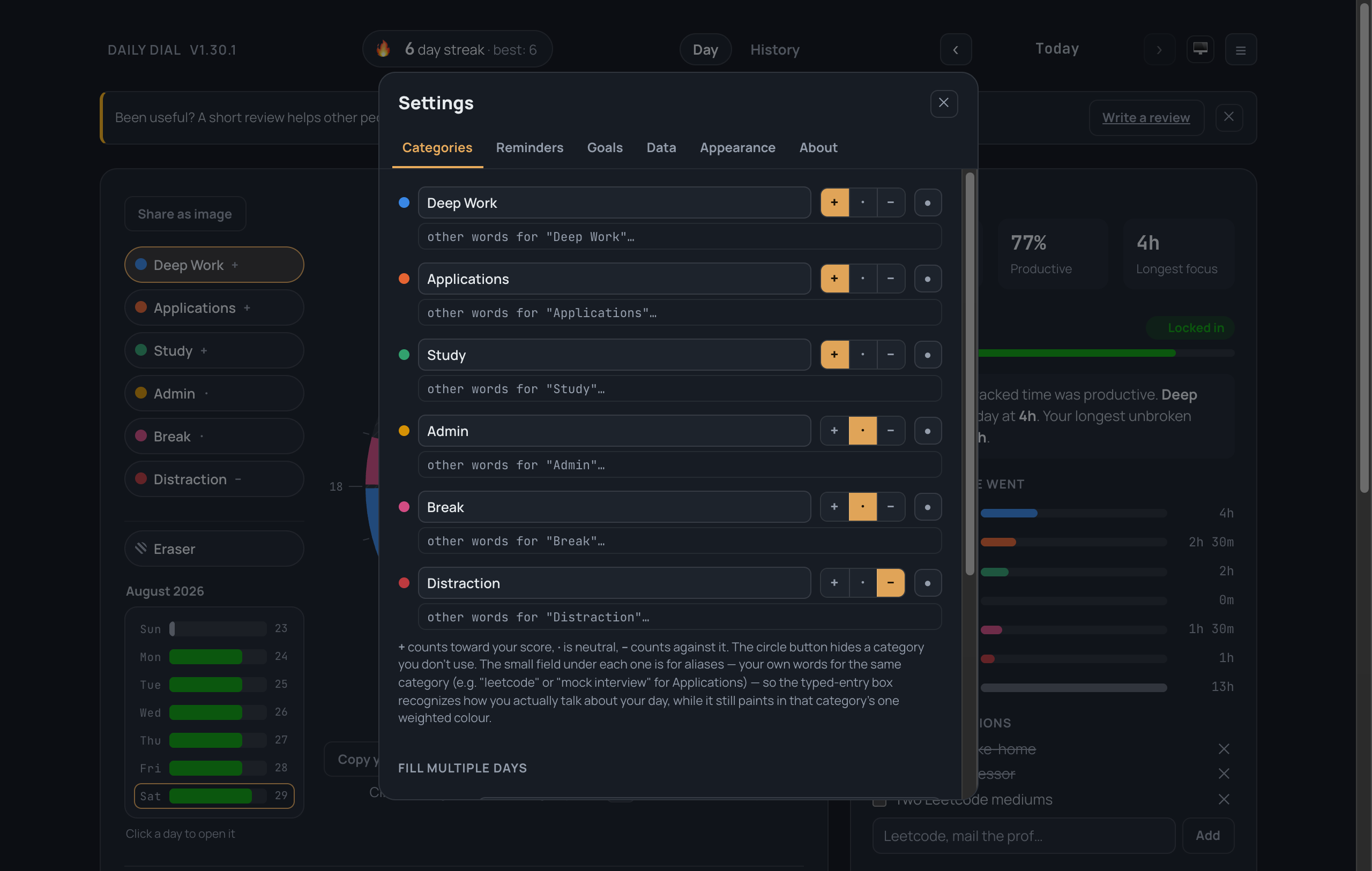
Your data, and getting it out
Export a spreadsheet or a full backup at any time. Google Drive backup is optional and off until you switch it on.